
Missing articles, posts or results
Check the stage instead of starting over.
Sources → website → the channel → History
What to do
Empty feed: check whether the website has new articles and the source is active. The Telegram workspace also shows published articles as history; they do not become new queue work.
Article but no post: check mode, saved rules, article date, topics, spacing, cap, media rights and connection. The module shows why it is waiting.
Disabled button: check your role, access period, required fields and unsaved changes. Viewing and editing permissions differ.
No Telegram result message: open publication history and the social profile. Do not resend when delivery is uncertain. Tell support the time, module and error, with secrets removed.
Screens and diagram
View the diagram
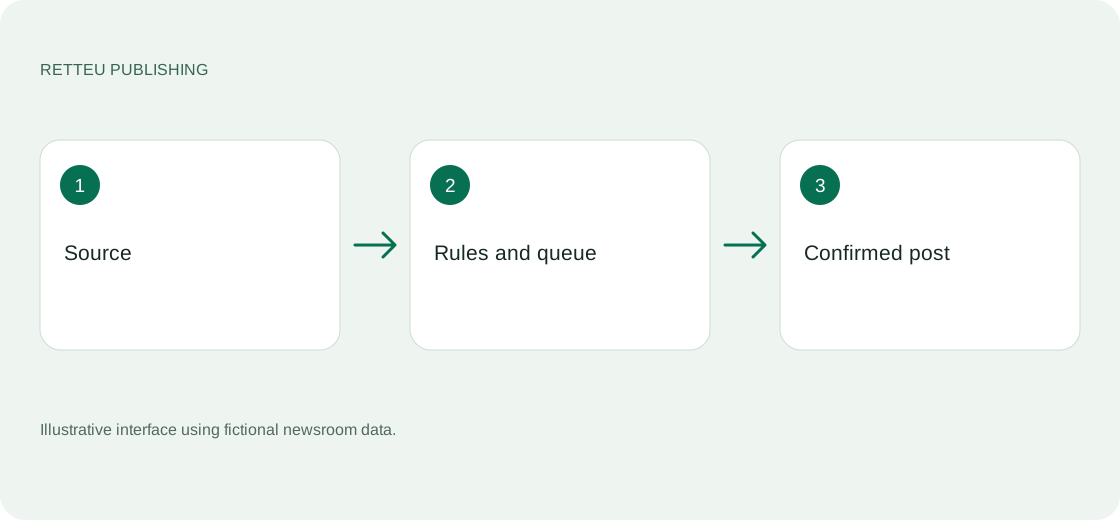
How to check the result
You have a confirmed post or an explicit reason it did not publish. If unclear, ask support rather than resending.