
Posting pace and story selection
Large and small news flows need different settings.
Sources → your website → the channel → Settings
What to do
Open Sources, choose your website and its Threads channel. Select Settings at the top right.
In Pace and results, choose a publishing pace and select Fill in these settings. This only fills the fields for now.
Check the fields below and select Save rules. If automatic publishing is running, confirm Apply rules. You do not need to select every story manually.
Check the saved spacing, cap and article age in the summary above. Enable automatic publishing separately if required.
Choose a sustainable Threads pace
Start with Balanced. Quiet suits a small newsroom; News desk gives a busy newsroom more room. The cap is a ceiling, not a posting target.
| Threads pace | Per 24 h | Spacing | Max age |
|---|---|---|---|
| Quiet | up to 3 | 3 hours | 6 hours |
| Balanced · recommended starting point | up to 6 | 2 hours | 3 hours |
| News desk | up to 12 | 1 hour | 2 hours |
How stories are selected
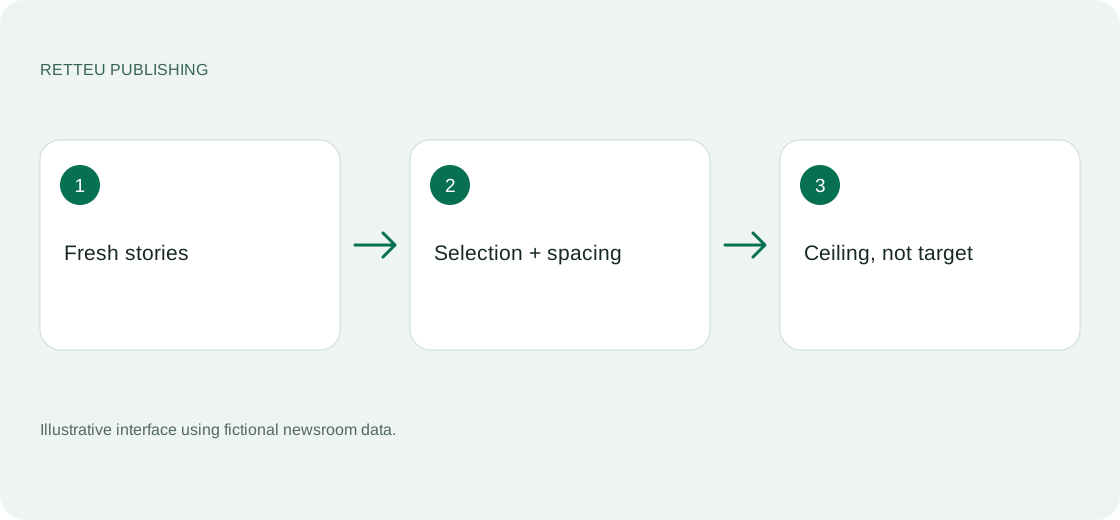
A large flow keeps one candidate, preferring marked importance and then the freshest story. A lone eligible story does not wait for a batch, but spacing and the cap still apply. Freshness uses the article publication time. Old news is never used to meet a target.
These limits apply to automatic Threads posts. Manual publishing and scheduling work separately. Website polling depends on your plan and is separate from posting frequency. Instagram keeps its own presets: up to 4 / 8 / 16 automatic posts, spaced 120 / 90 / 45 minutes apart.
After 7–14 days, compare views and interactions per post, replies, link visits and the weekly total. Retteu shows deliveries and waiting reasons; use Threads Insights for audience reactions. Adjust gradually. No pace guarantees likes.
Screens and diagram

View the diagram
How to check the result
The summary shows the saved rules and there are no unsaved changes. A cap-related pause has an explicit waiting reason. Choosing a preset alone does not change live rules.