
Instagram: posts, Reels and carousels
Preparation, editorial review and delivery are separate steps.
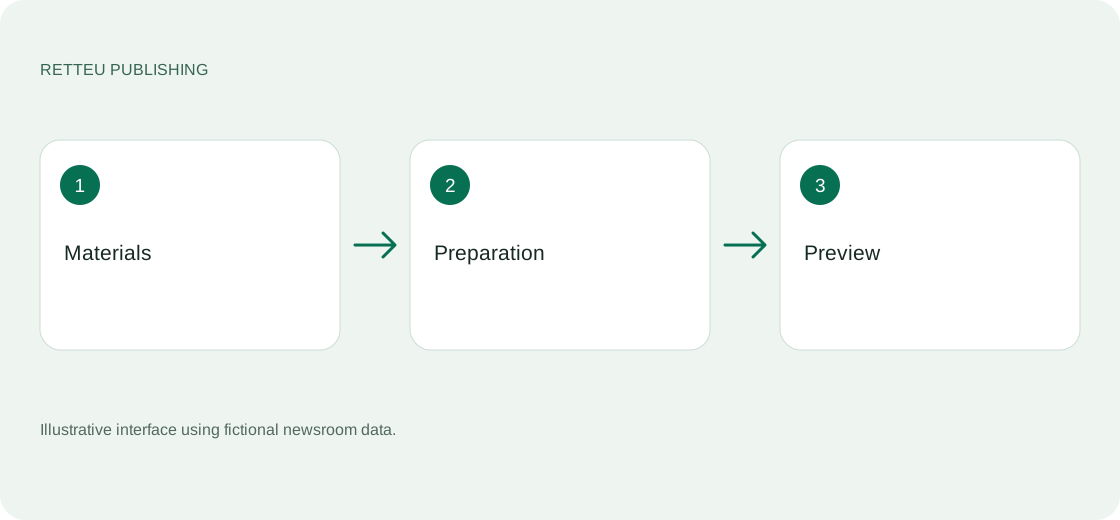
Sources → website → Instagram → Workspace
What to do
Instagram is beta and agreed separately. Check connection eligibility and Meta permissions with support before paying. Select the intended newsroom account.
Select an article on the left. In the centre, review its headline, caption and source photo or upload your own file. Check the preview on the right, including faces and important image details.
For analysis, review every carousel card: narrative sequence, names, numbers, conclusions and fidelity to the article. Automatic preparation from selected sections still requires editorial approval.
Saving is not publishing. Choose publish now or a scheduled time, then check the confirmed result and open the Instagram post. If delivery is uncertain, inspect the profile before sending again.
Screens and diagram
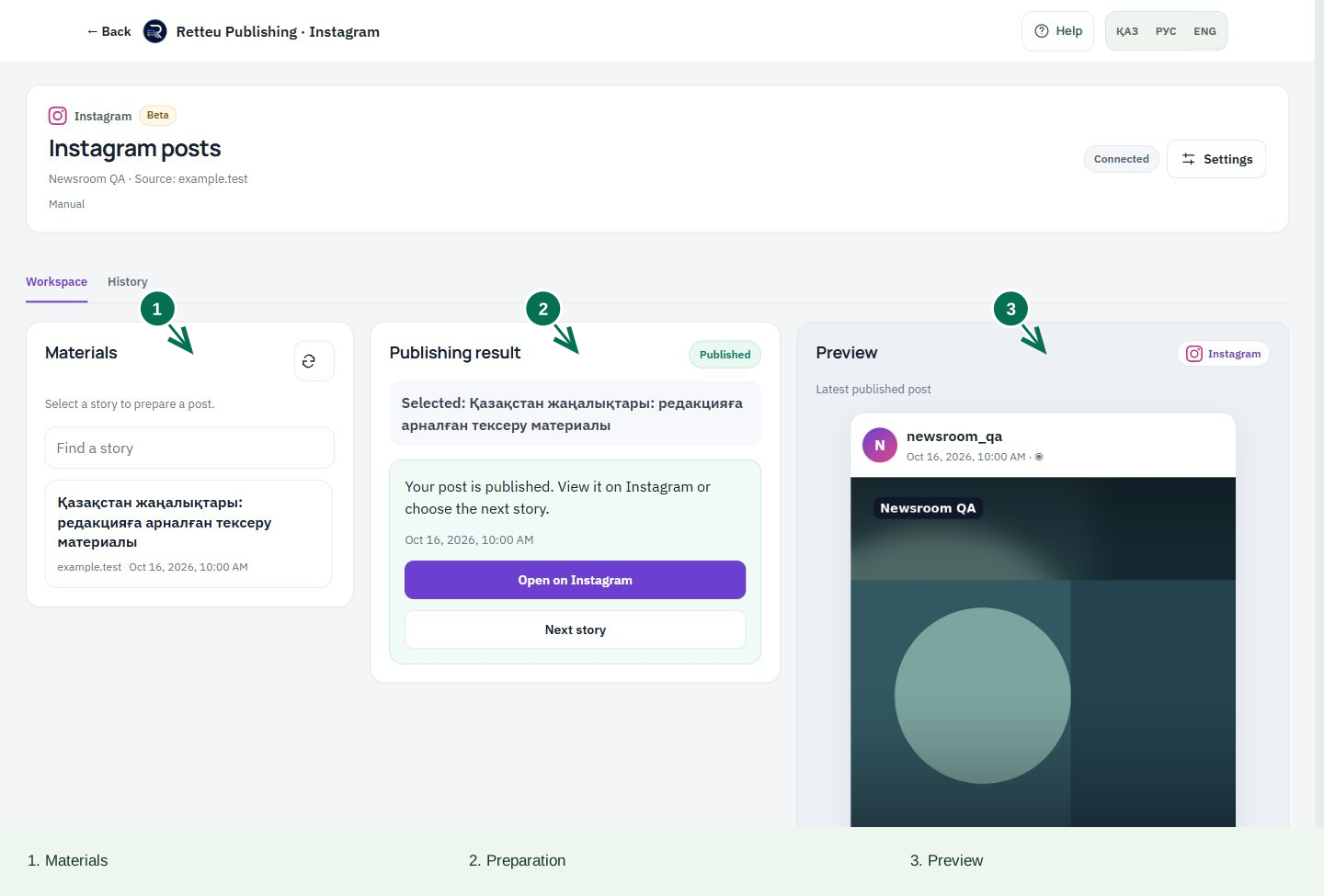
View the diagram
How to check the result
The post opens in Instagram and every card is readable. A separate result message is sent to Telegram; if absent, check Retteu history.