
Telegram for Instagram editors
This bot helps review stories; you do not create it in BotFather.
Instagram → Settings → Publish quickly from your phone
What to do
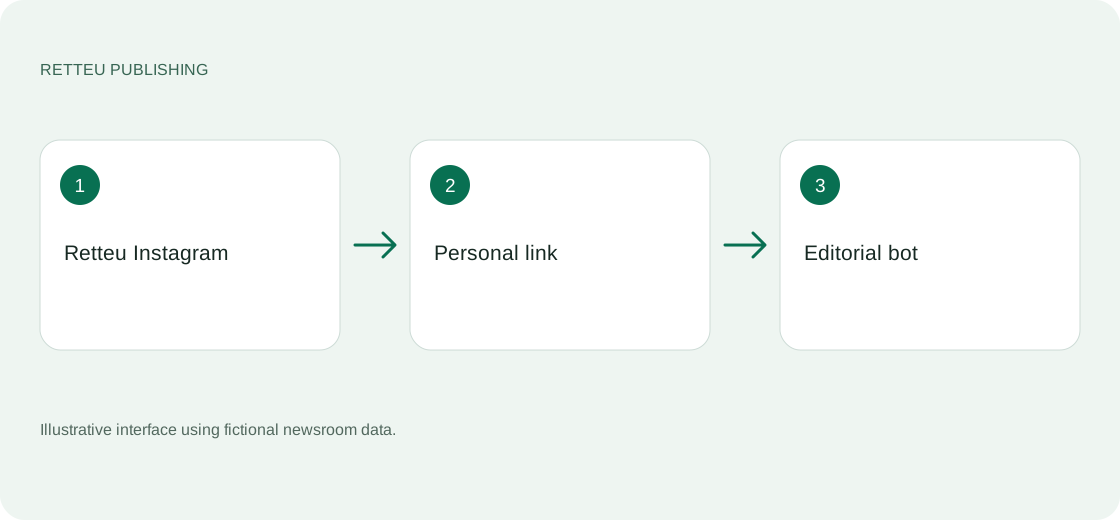
Open Instagram in Retteu → Settings → Publish quickly from your phone. Choose Open Telegram assistant.
Open the personal link and press Start in Telegram. The link lasts 15 minutes. If expired, obtain a new one from your account. Do not forward it to another person.
Check the newsroom and Instagram account selected in the bot, then choose a story. You can review carousel cards and correct their text before approval.
Publishing submits the story for processing. Wait for a separate result message or check Retteu history. If delivery is uncertain, inspect Instagram before resending.
Screens and diagram
View the diagram
How to check the result
The bot shows the intended account and available stories. You do not need an Instagram password, personal API ID or BotFather token.