
Create a Telegram bot and obtain its token
A bot publishes articles to your channel.
Telegram → @BotFather → /newbot; then Retteu → Telegram channel settings
Step-by-step video
Select a step to pause the video at that point. Use full screen for a larger view.
Create your channel’s bot
Send /newbot to the official @BotFather. Choose a name and an available username ending in bot.
The token is a secret key. Your personal account’s API ID and API hash are not required.
View the steps as pictures
1. Create your channel’s bot
Send /newbot to the official @BotFather. Choose a name and an available username ending in bot.
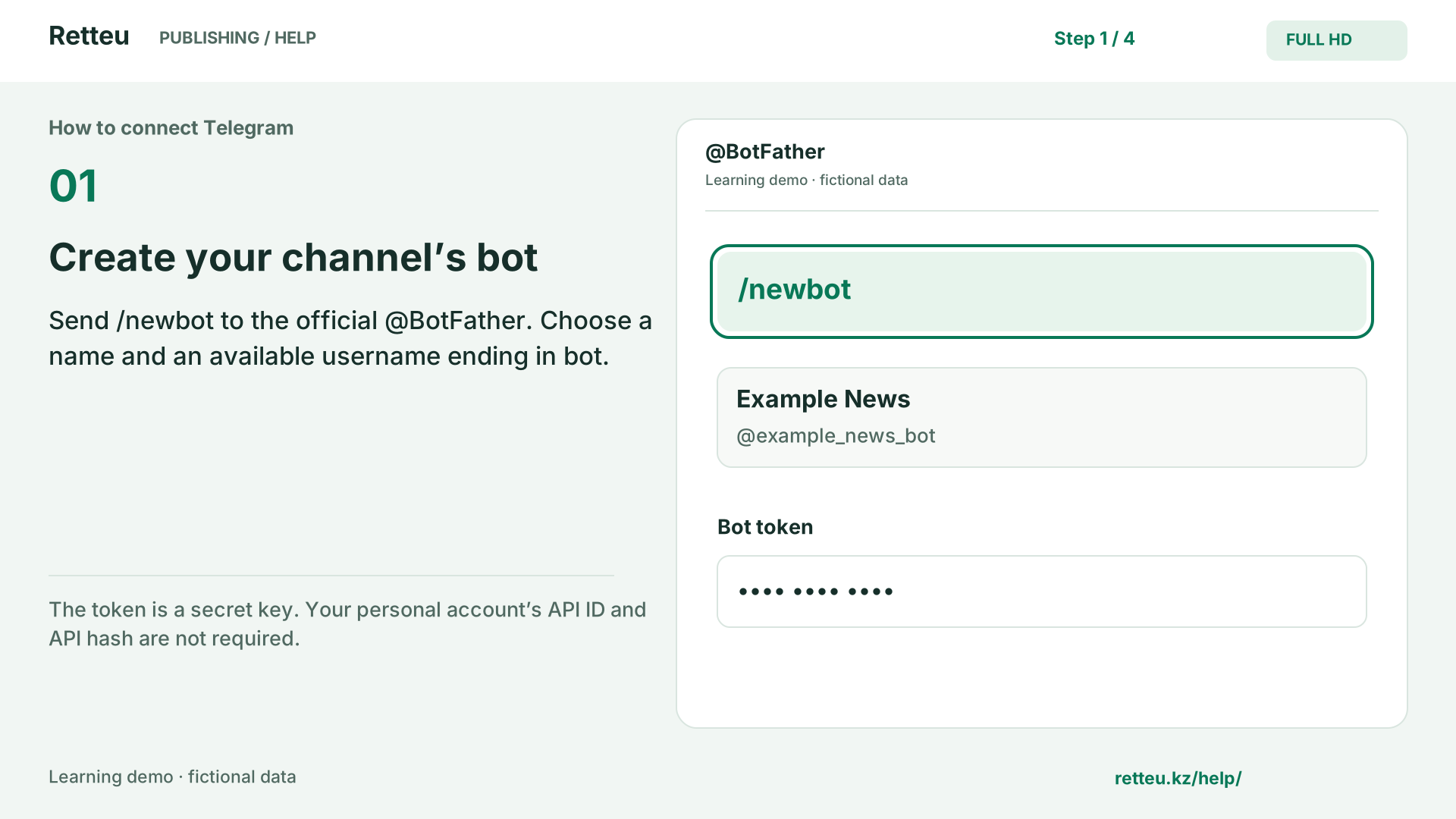
The token is a secret key. Your personal account’s API ID and API hash are not required.
2. Allow the bot to publish
In Telegram: your channel → manage → administrators → add administrator.
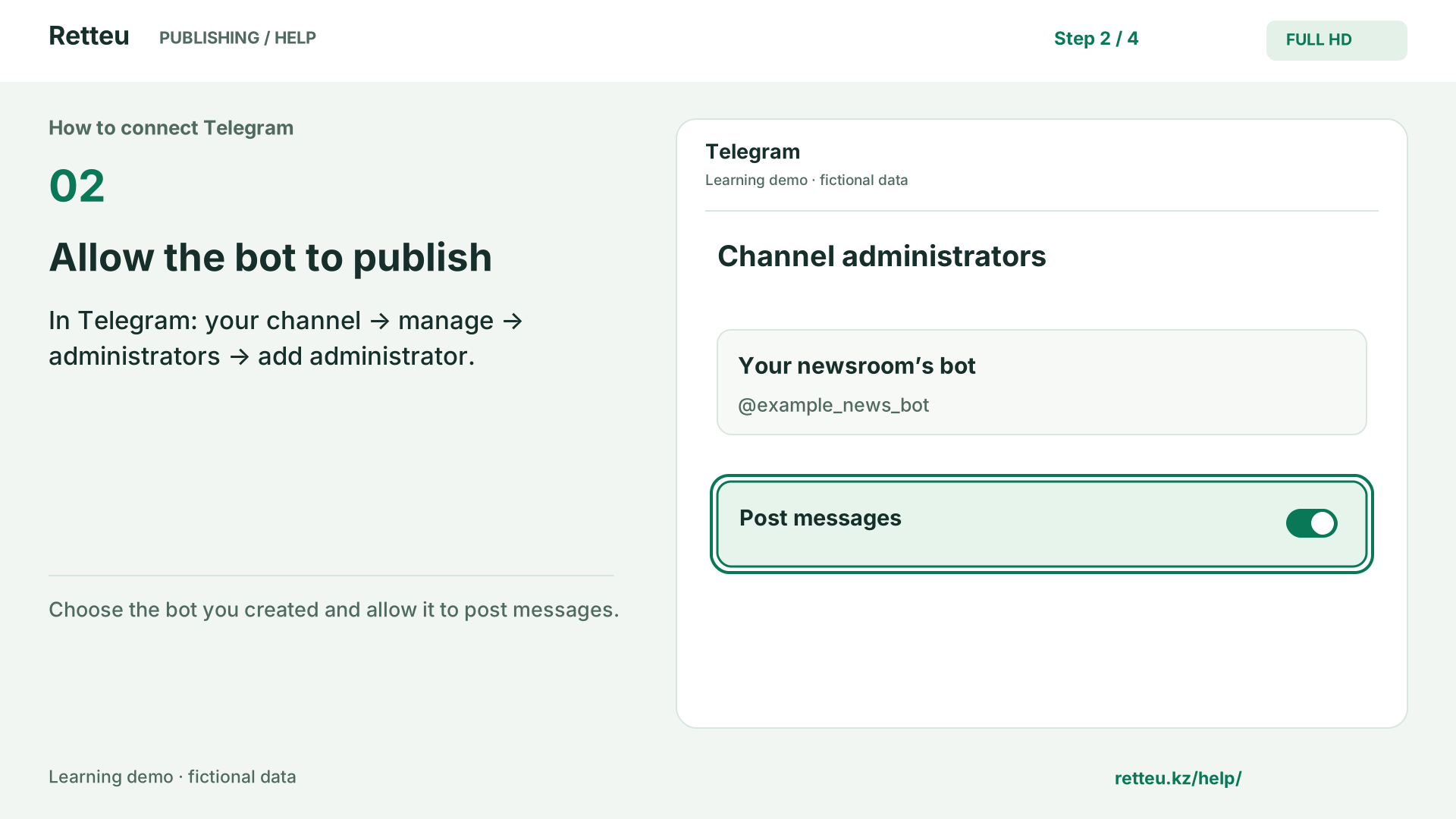
Choose the bot you created and allow it to post messages.
3. Complete the fields in Retteu
Sources → website → Telegram → Settings. Enter the bot token and the channel’s @username or numeric ID.
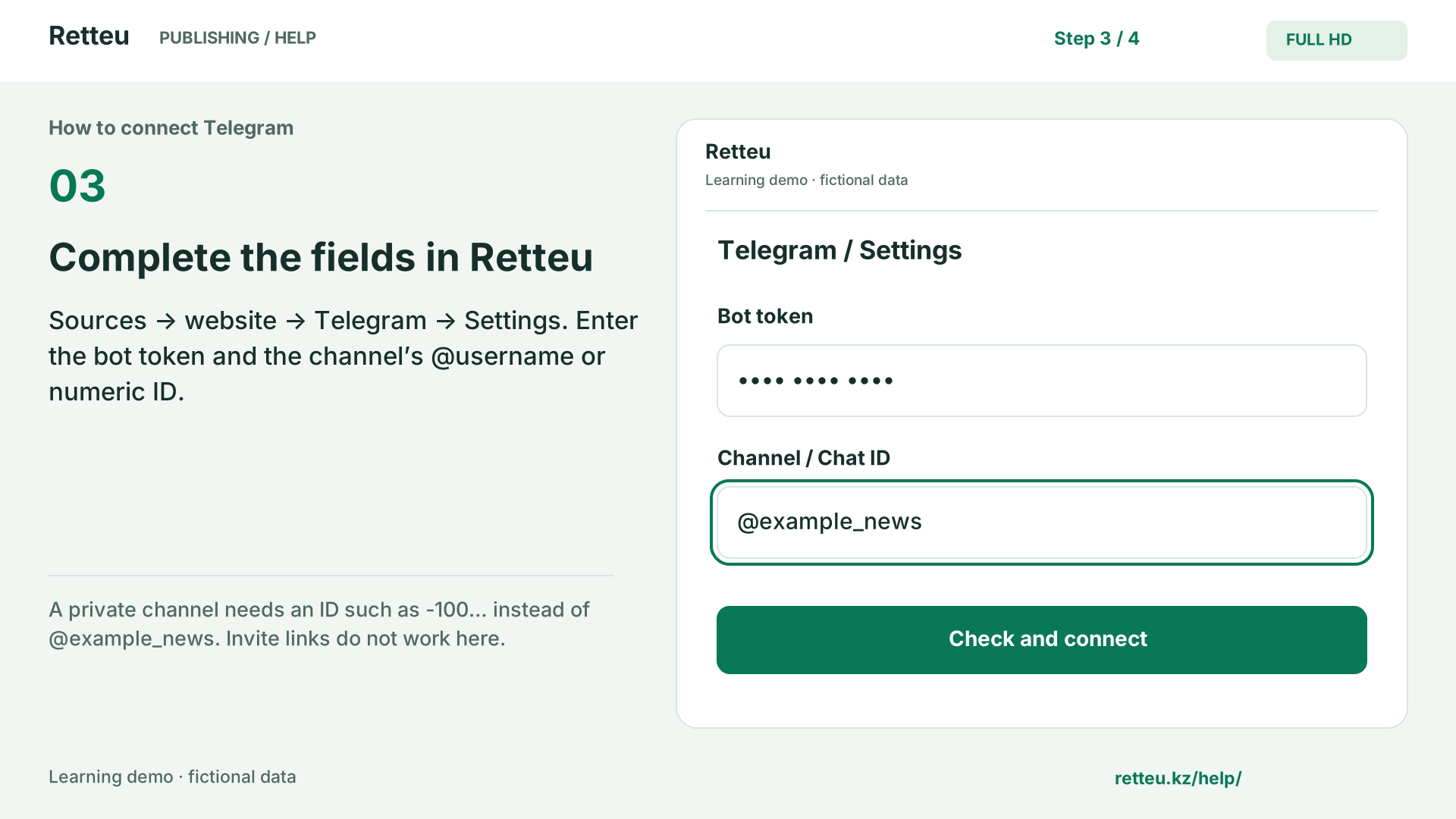
A private channel needs an ID such as -100… instead of @example_news. Invite links do not work here.
4. Check the connection
Select Check and connect. Confirm that the correct channel is shown and there is no error.
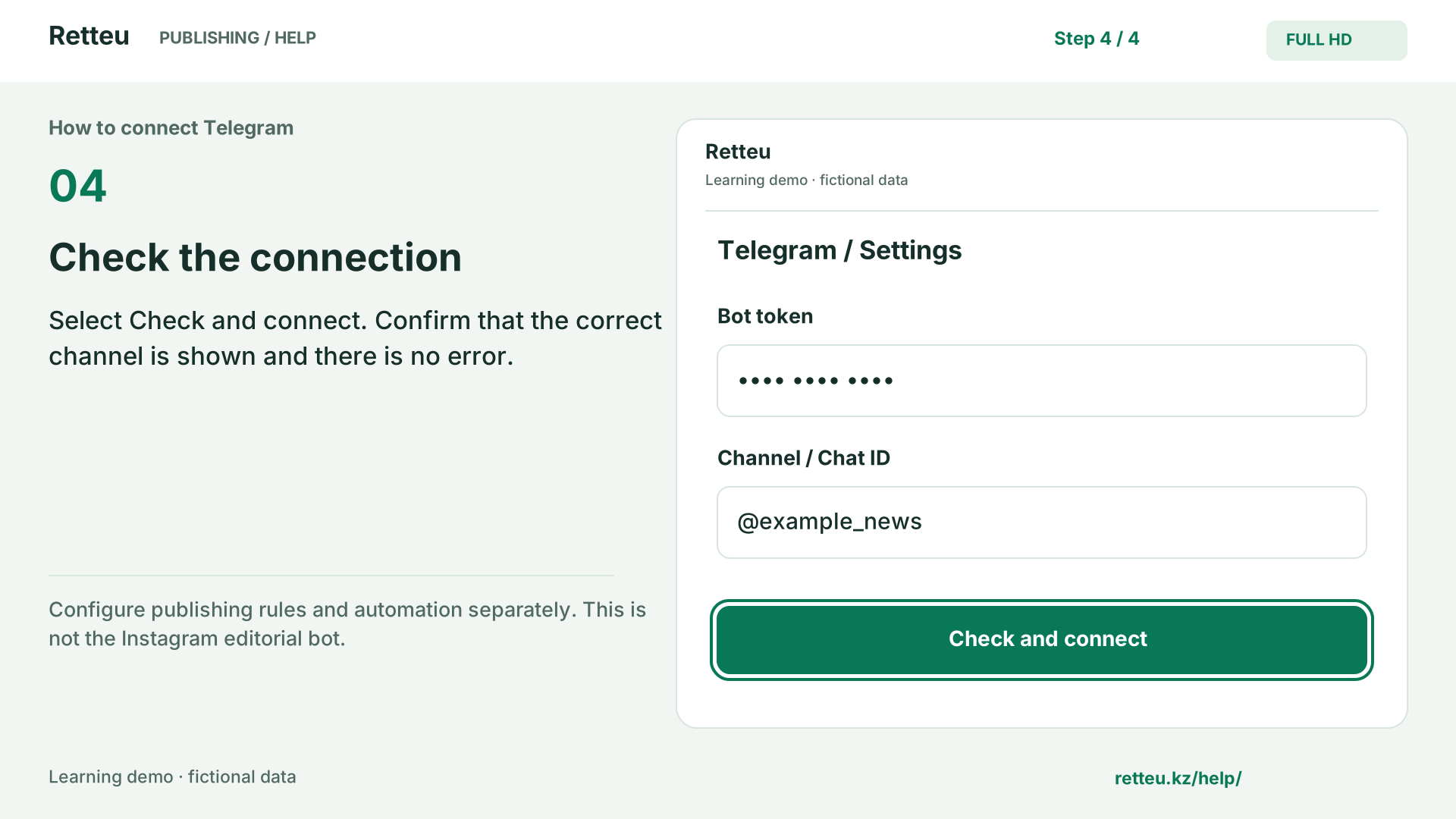
Configure publishing rules and automation separately. This is not the Instagram editorial bot.
An animated learning diagram using Retteu field names, not a recording of a real account. Data is fictional and no audio is needed. Actual interface examples and detailed written steps are below.
What to do
Open the official @BotFather in Telegram using the link below and send /newbot. Choose a name and an available username ending in bot.
BotFather provides a token: the bot’s secret key, not your personal Telegram password. You do not need your personal API ID or API hash for this connection.
Open your channel’s settings → administrators → add administrator. Select the bot and allow it to post messages. The owner or an authorized administrator must do this.
In Retteu, open the source → add Telegram → channel settings. Paste the token only in the Bot token field. Then identify the channel using the next guide.
Screens and diagram
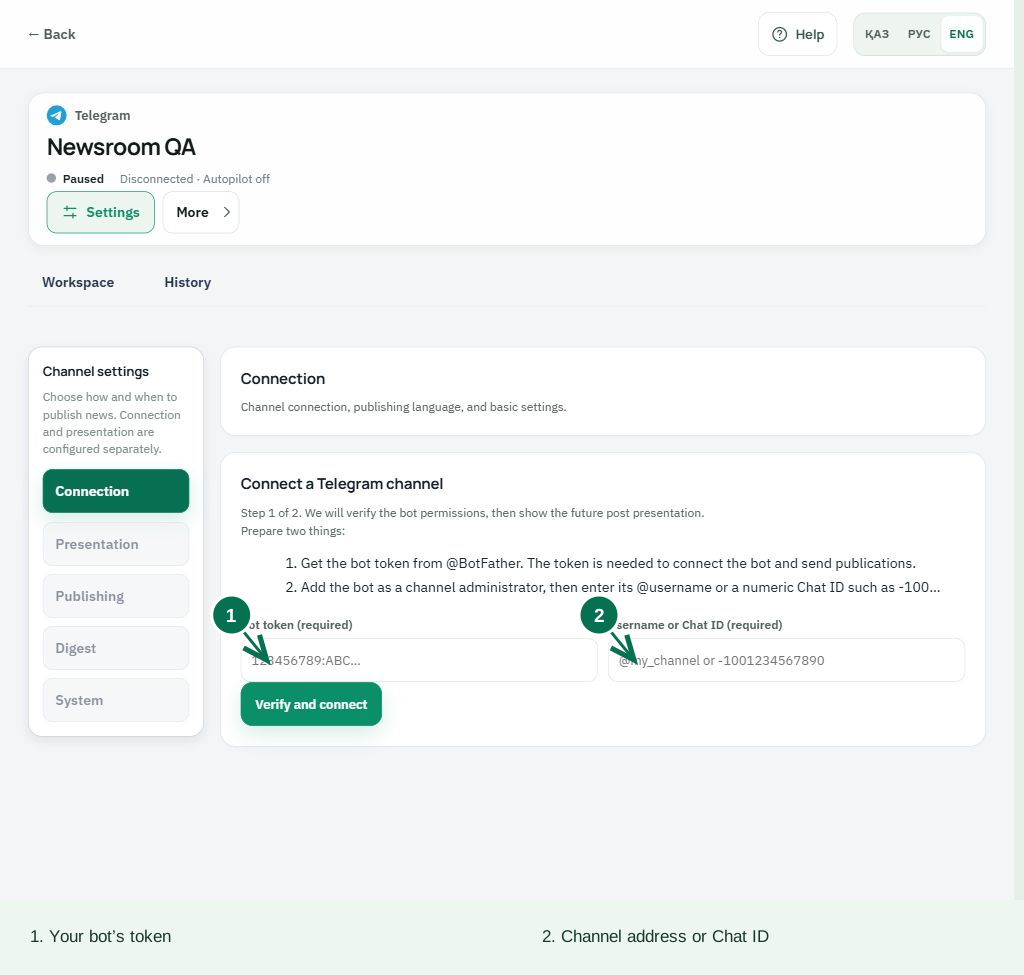
View the diagram
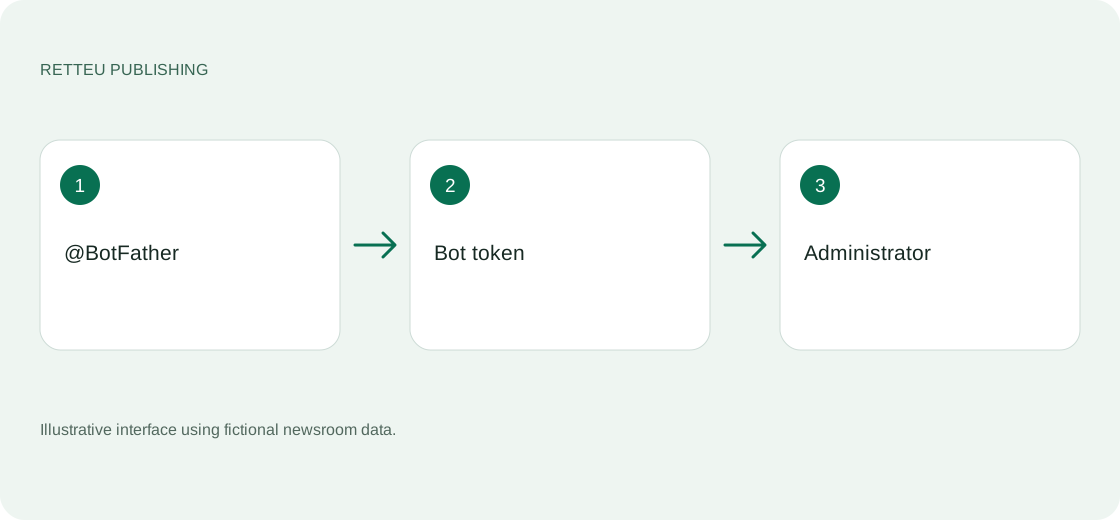
How to check the result
The bot is an administrator of the intended channel. You have stored its token securely and entered it only in Retteu’s dedicated field.