
Prepare, edit and approve a carousel
Cards should explain a story, not merely split it into pieces.
Instagram → Workspace → article → Carousel
What to do
Select an analysis article and carousel format in Instagram. For recurring preparation, choose analysis sections in carousel settings and save the rules. Do not select every news story merely to fill cards.
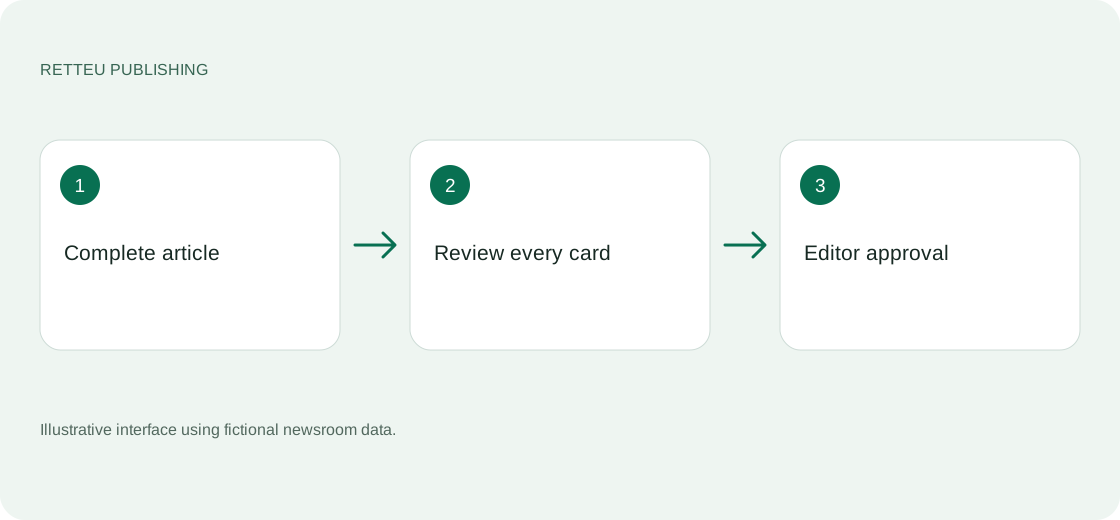
Check that the complete article was obtained. If unavailable, paste it into the provided field. A headline or short RSS teaser is not enough to explain an analysis piece.
Read every card in order. Compare facts, names, numbers, narrative links and conclusions with the article. After text edits, check the design again for fit and readability.
In Telegram, select a card and its text-edit action. Reply to the bot message with the replacement text. If the reply composer does not open, manually choose Reply on that message. Review the updated version before approving publication.
Screens and diagram
View the diagram
How to check the result
The carousel is coherent and preserves the article’s meaning. Approval is followed by a confirmed result and post link.