
Full text: caption and comment continuation
When a short caption loses important context.
Instagram → Workspace → article → Full text without cuts
What to do
Open a draft in the Instagram module and choose Full text without cuts. This is enabled for the individual post, not every publication.
Use the website-text button or paste the complete text. Compare it with the original: extraction may miss separate website blocks. Correct it before sending.
Open the complete preview. The caption holds up to 2,200 characters; the rest becomes numbered comments from the Page. Review every part and save changes.
After publication, check the main post and continuation status. If a comment has not been confirmed, do not republish the whole post. Follow the state in Retteu and inspect Instagram.
Screens and diagram
View the diagram
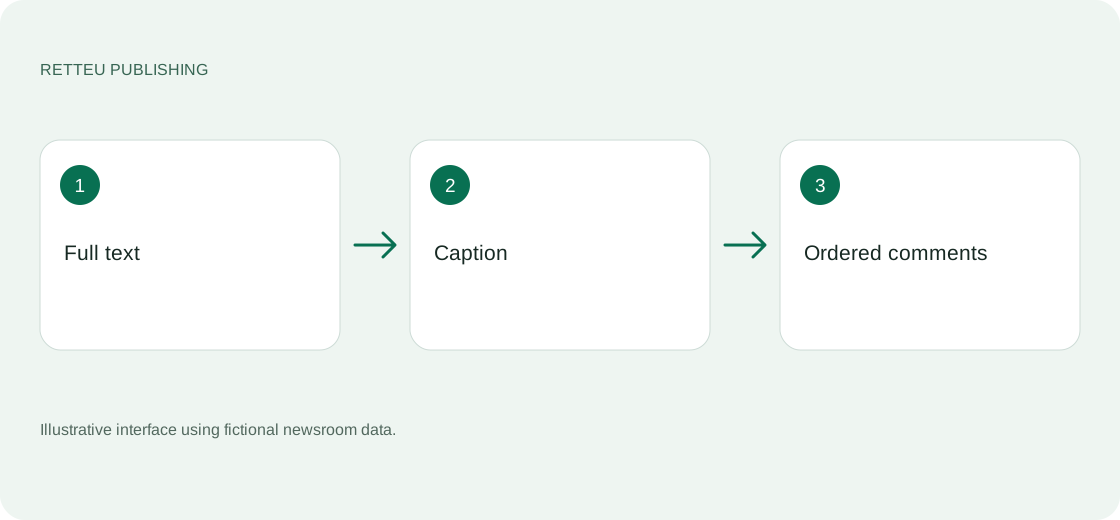
How to check the result
The editor sees every part before publication. Readers receive the caption and ordered continuation, without silent cuts.