
Threads: from article to post
Text and a link, with explicit automatic publishing rules.
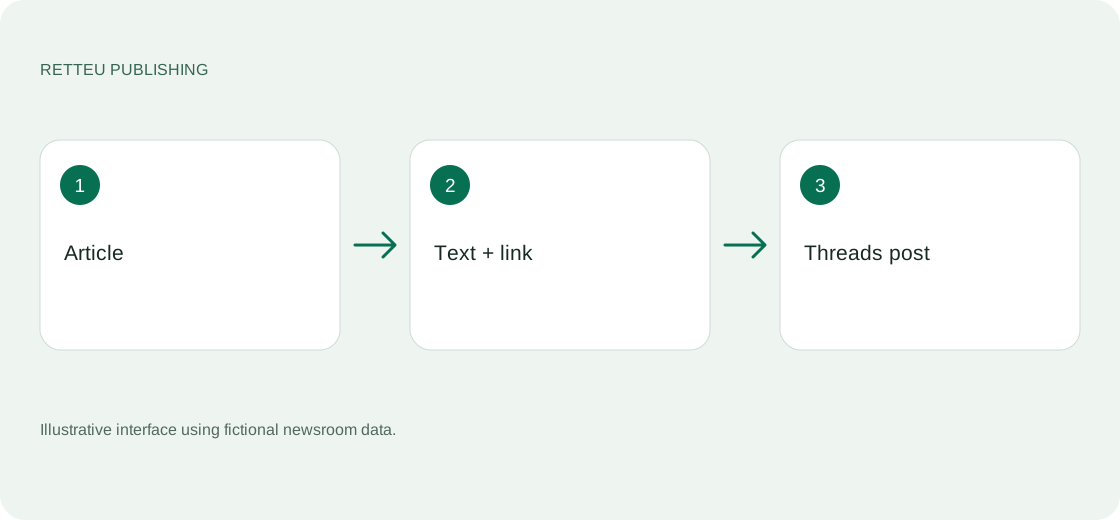
Sources → website → Threads → Workspace
What to do
Threads beta access is agreed separately. Connect your profile through Meta and check the username in the workspace.
Select an article on the left. Review text and link in the centre and preview on the right. Threads determines the final link card, so inspect the real published post too.
In Settings, choose manual or automatic publishing. Review selection, spacing, daily limit and article freshness. An enabled toggle alone does not explain these rules.
Check confirmed delivery in History. Retteu statistics describe service activity; see Threads for reach and reactions.
Screens and diagram
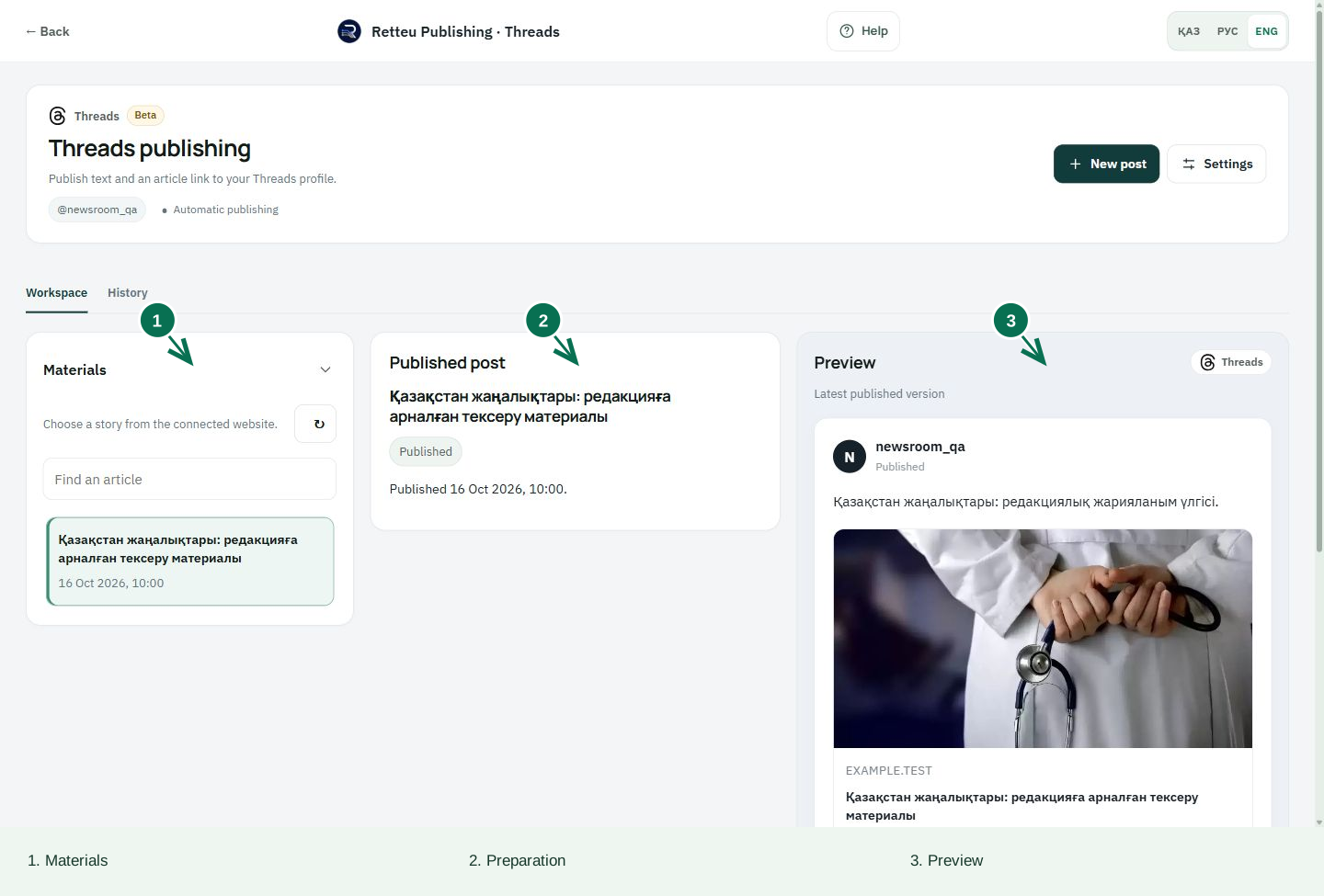
View the diagram
How to check the result
The post opens on the intended profile with correct text and link. Prepared and Queued do not mean Published.