
Add a website and find its news
One source of articles, several publishing channels.
Sources → Add source
Step-by-step video
Select a step to pause the video at that point. Use full screen for a larger view.
Enter your news section URL
Sources → Add source. Paste the full address of the section with your latest news.
For example: https://example.kz/news/. Your website password is not required.
View the steps as pictures
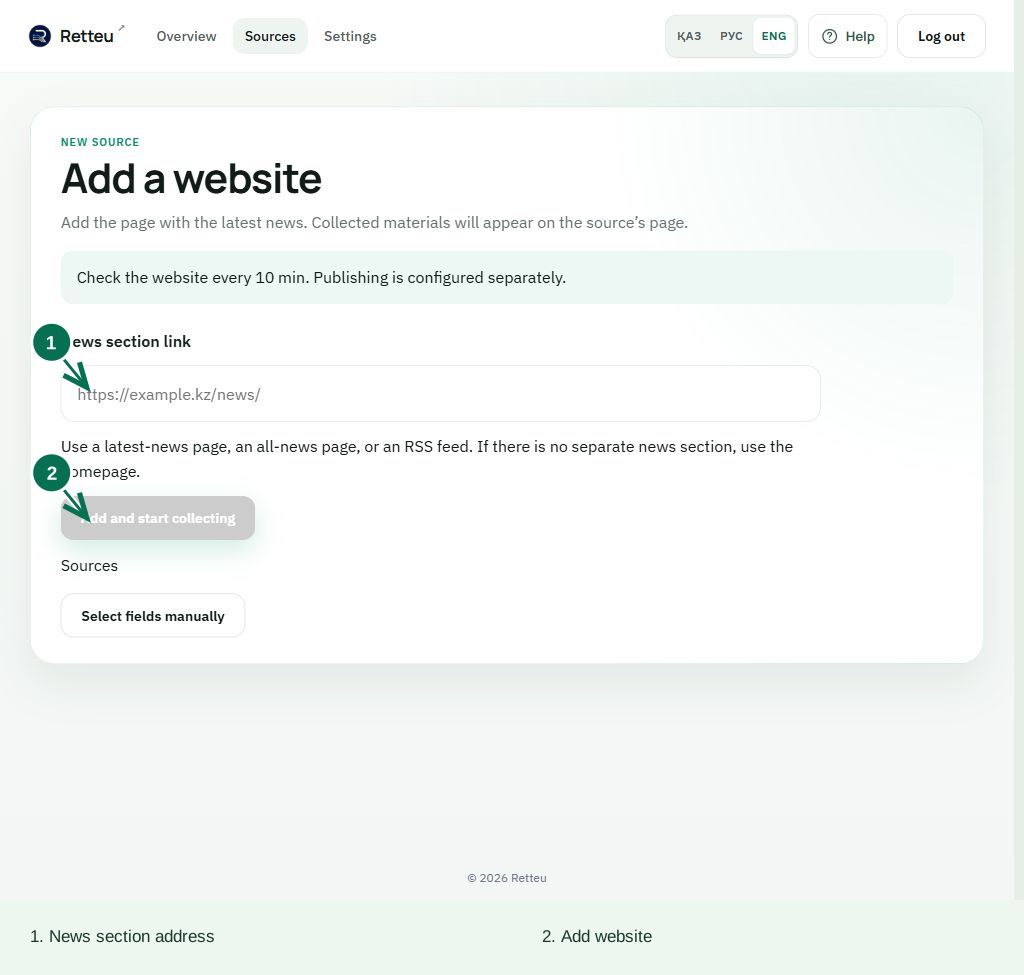
1. Enter your news section URL
Sources → Add source. Paste the full address of the section with your latest news.
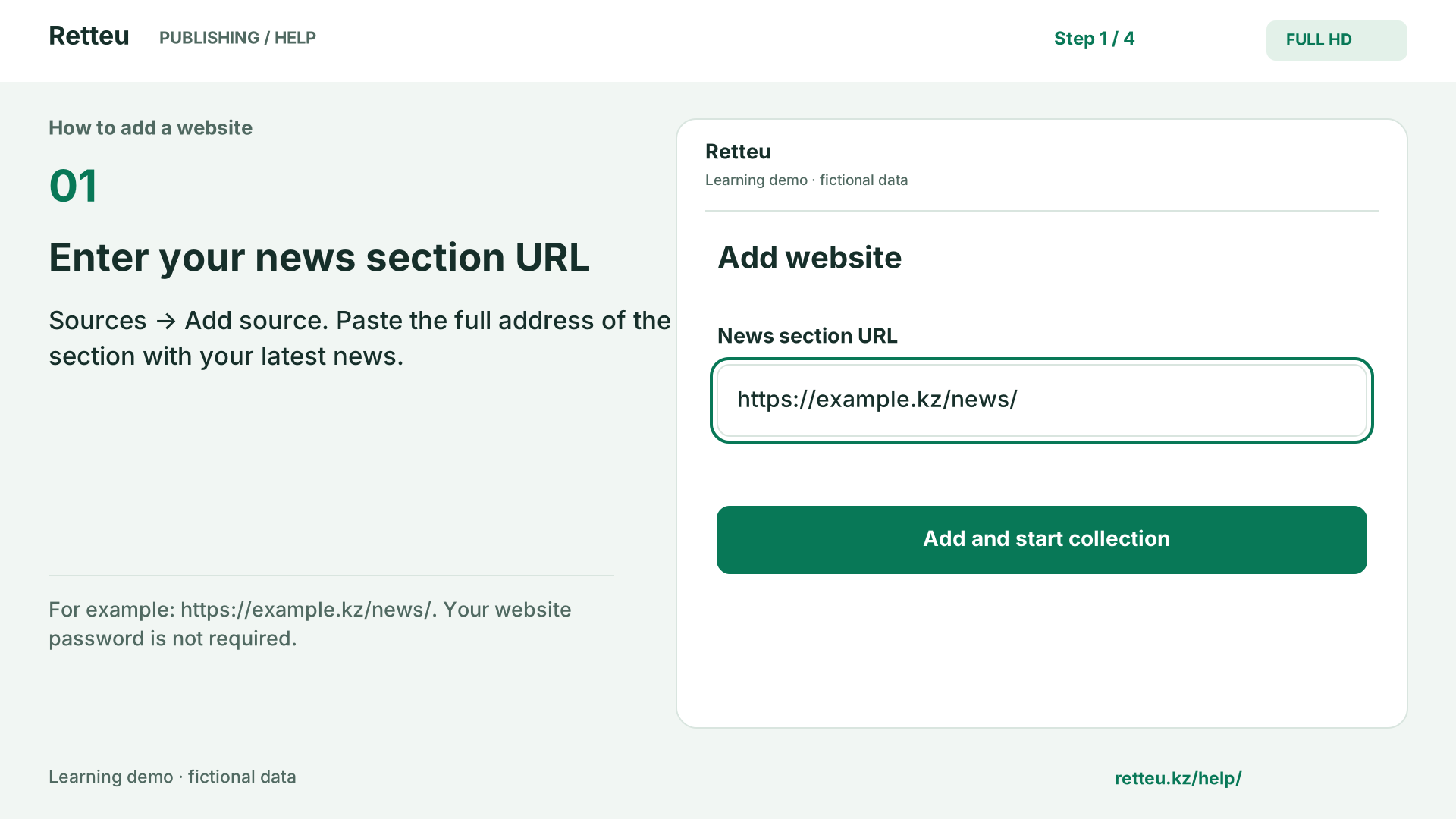
For example: https://example.kz/news/. Your website password is not required.
2. Add the website once
Select Add and start collection. Wait for the website check to finish.
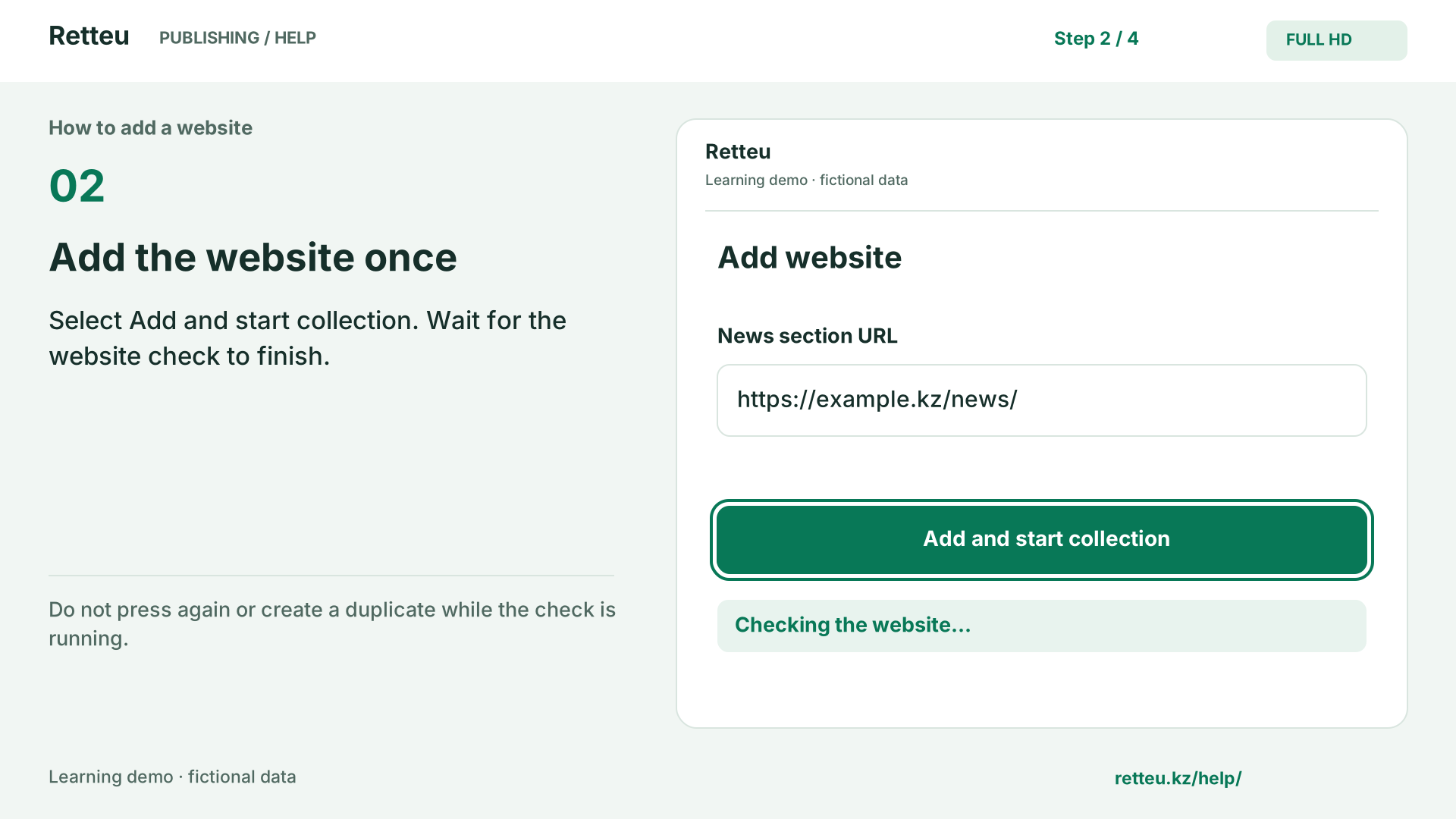
Do not press again or create a duplicate while the check is running.
3. Check the collected articles
Open the source. Check titles, dates, photos and links on several articles.
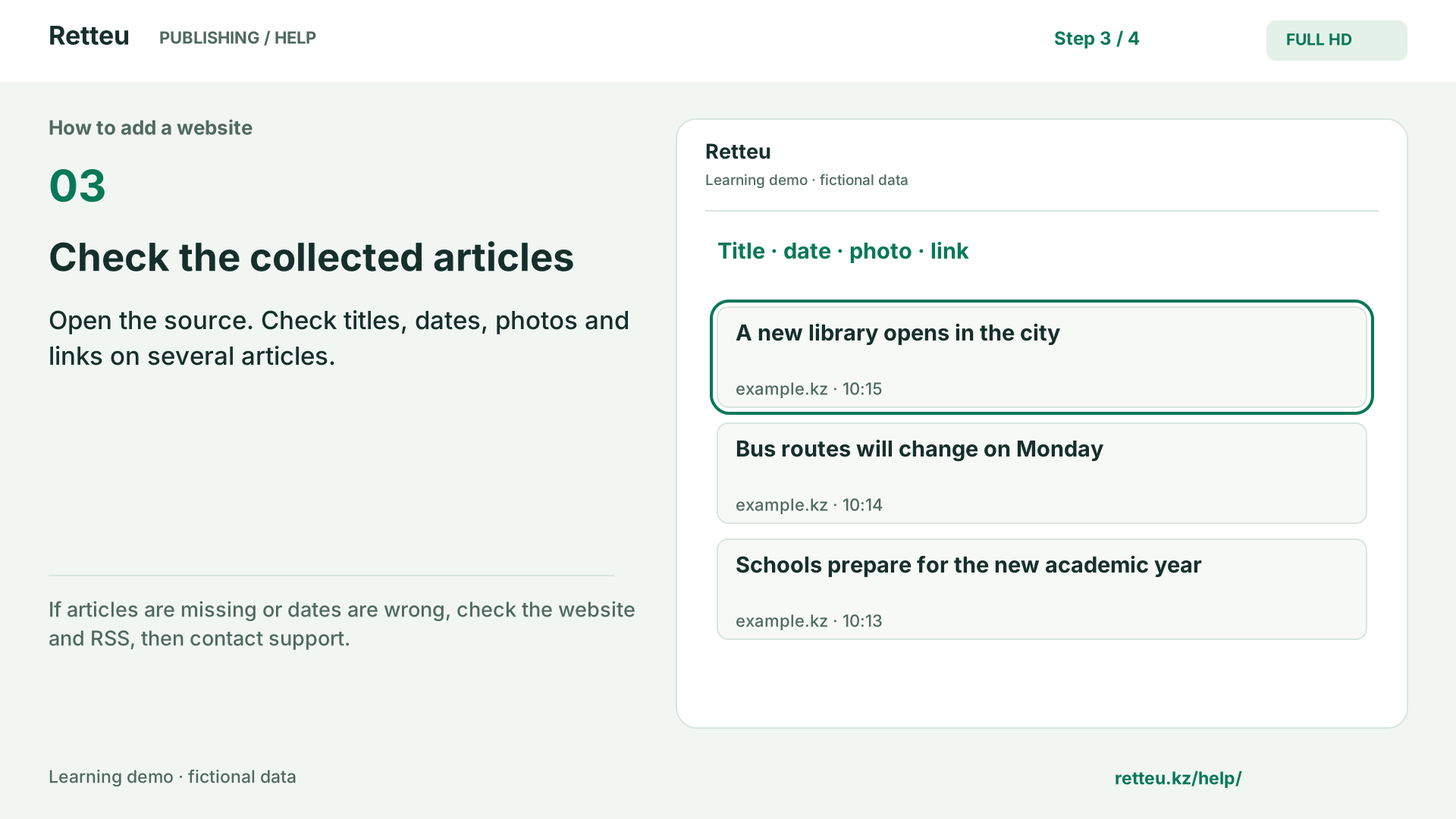
If articles are missing or dates are wrong, check the website and RSS, then contact support.
4. Connect a publishing channel
In Channels on the right, select Add channel and choose a social platform.
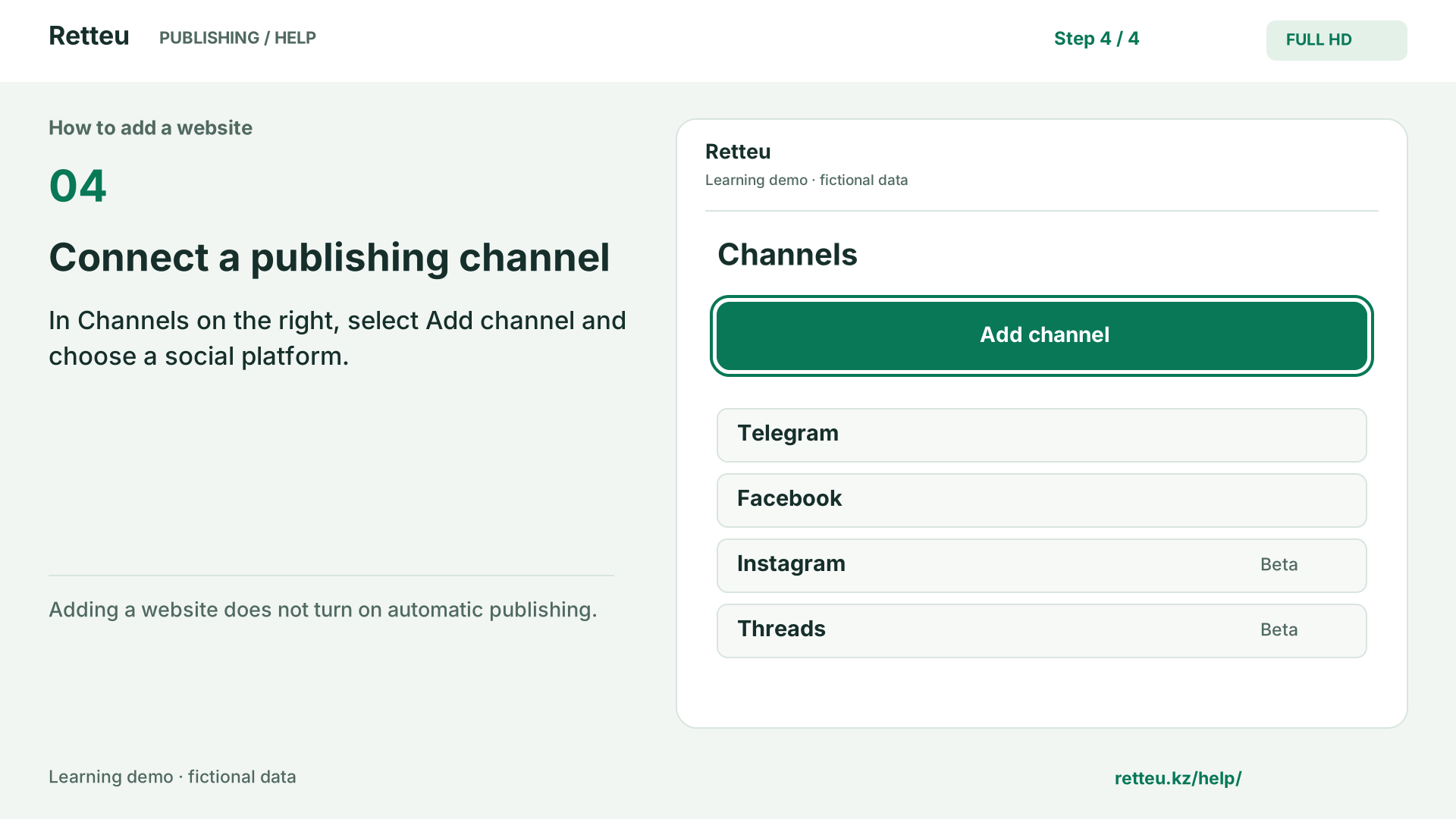
Adding a website does not turn on automatic publishing.
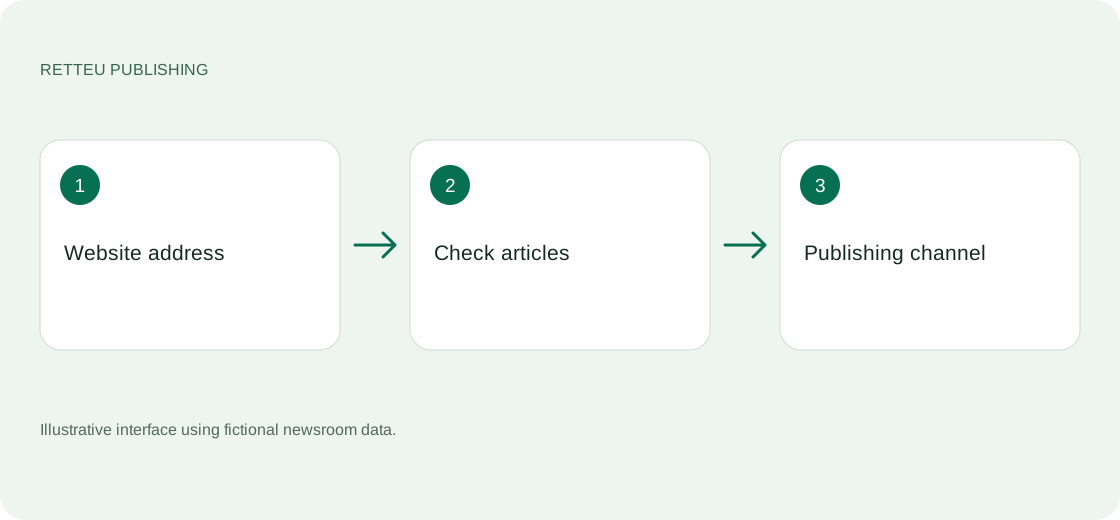
An animated learning diagram using Retteu field names, not a recording of a real account. Data is fictional and no audio is needed. Actual interface examples and detailed written steps are below.
What to do
Open Sources → Add source. Paste a complete website address, such as https://example.kz. A CMS password is not required.
Choose Add and start collecting, then wait for the result. Retteu adds the site and checks available ways to obtain articles. Do not add the site again while the check is still running.
Open the source and check several headlines, dates, photos and article links. Do not rely on the first item alone.
In Publishing channels, choose Add channel and select a platform. Adding a source does not by itself enable automatic publishing.
Screens and diagram
View the diagram
How to check the result
The feed shows real articles with correct dates and links. If empty, check the website and RSS or contact support.