
Connect a Facebook Page
Connect your newsroom’s Page, not a personal profile.
Where to find this
Open Retteu ↗Sources → website → Add channel → Facebook
What to do
Open the source → Add channel → Facebook Page. If a channel already exists, open it instead of making a duplicate.
Sign in to Meta with an account that manages the intended Page. Check the Page name and requested permissions. Enter your password only on Meta.
After returning to Retteu, confirm the intended Page and a completed connection. If it is missing, check Page access in Meta.
Review the preview, language and selection rules. A test post is a real public post: send one only when you intend to. Enable automatic publishing after checking settings.
Screens and diagram
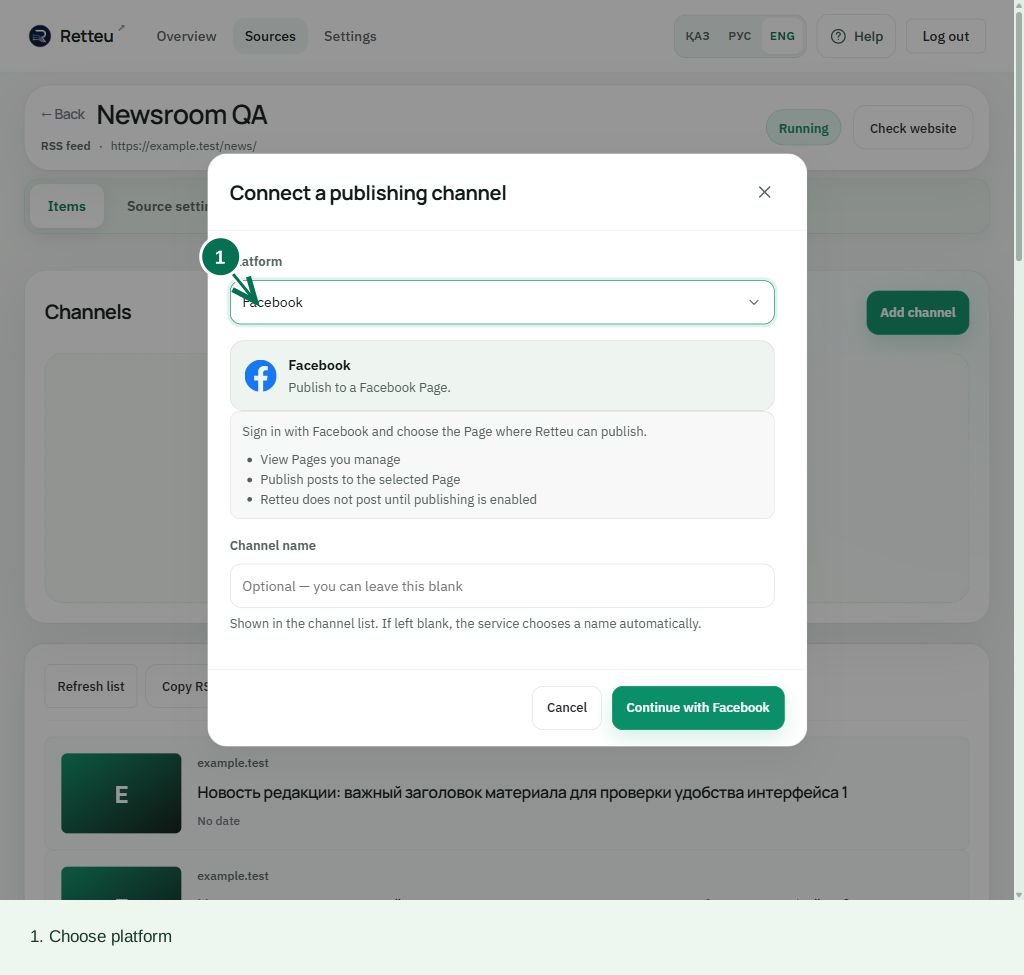
View the diagram
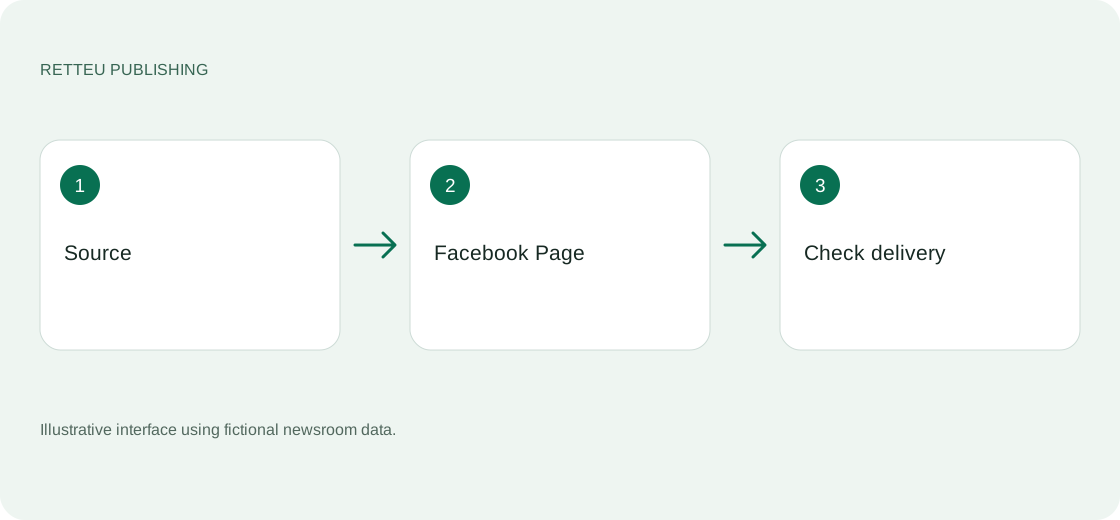
How to check the result
The workspace shows the correct Page, connection state and latest confirmed result.